Your sessions follow you.
Orb Mobile puts the same session list on your iPhone. Watch the live terminal, take control, create or kill a session, or hand control back to your Mac from anywhere.
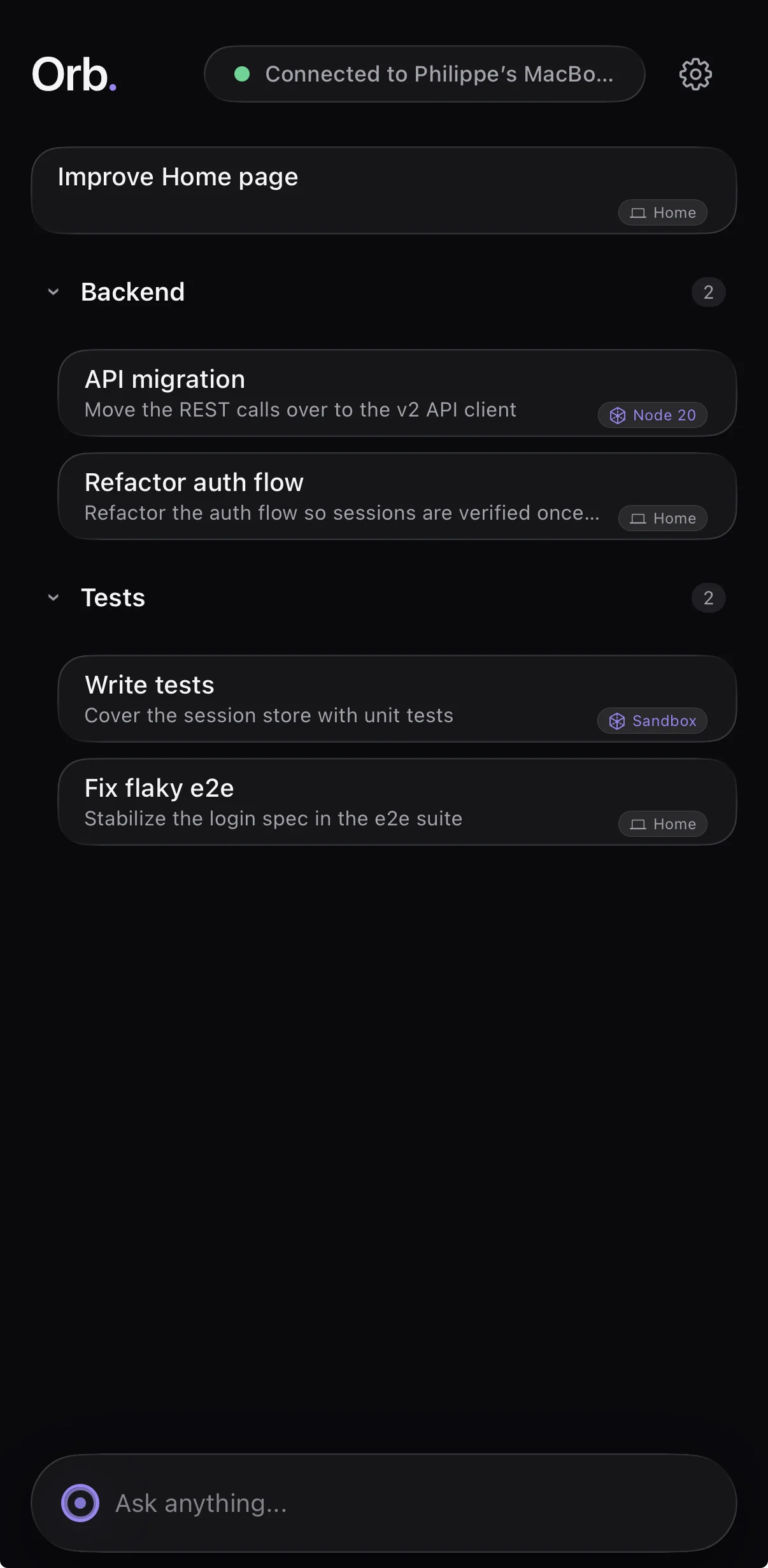
Pair once, with a QR code.
Scan a QR code shown in the dock header on your Mac, and that is the whole setup. Your phone talks straight to your Mac: no server of ours is ever in the middle. The link is end to end encrypted with keys only your two devices hold, and you can revoke a paired device any time in Settings, under Devices.
On the same Wi-Fi it works out of the box. Away from home, add Tailscale to both your Mac and your phone (the free personal plan is plenty) and Orb Mobile reaches your Mac over your own private tailnet. There is no relay, so your terminal traffic never leaves devices you control.
How pairing worksThe dock, from your pocket.
Notifications carry only the fact that a session needs you, plus its name. Terminal output never travels through a push service, and your Mac has to be awake to send one, since it is the one doing the sending.
Nothing here touches a server of ours: pairing, control handoff, and notifications are covered in full on the security page.